Administrator
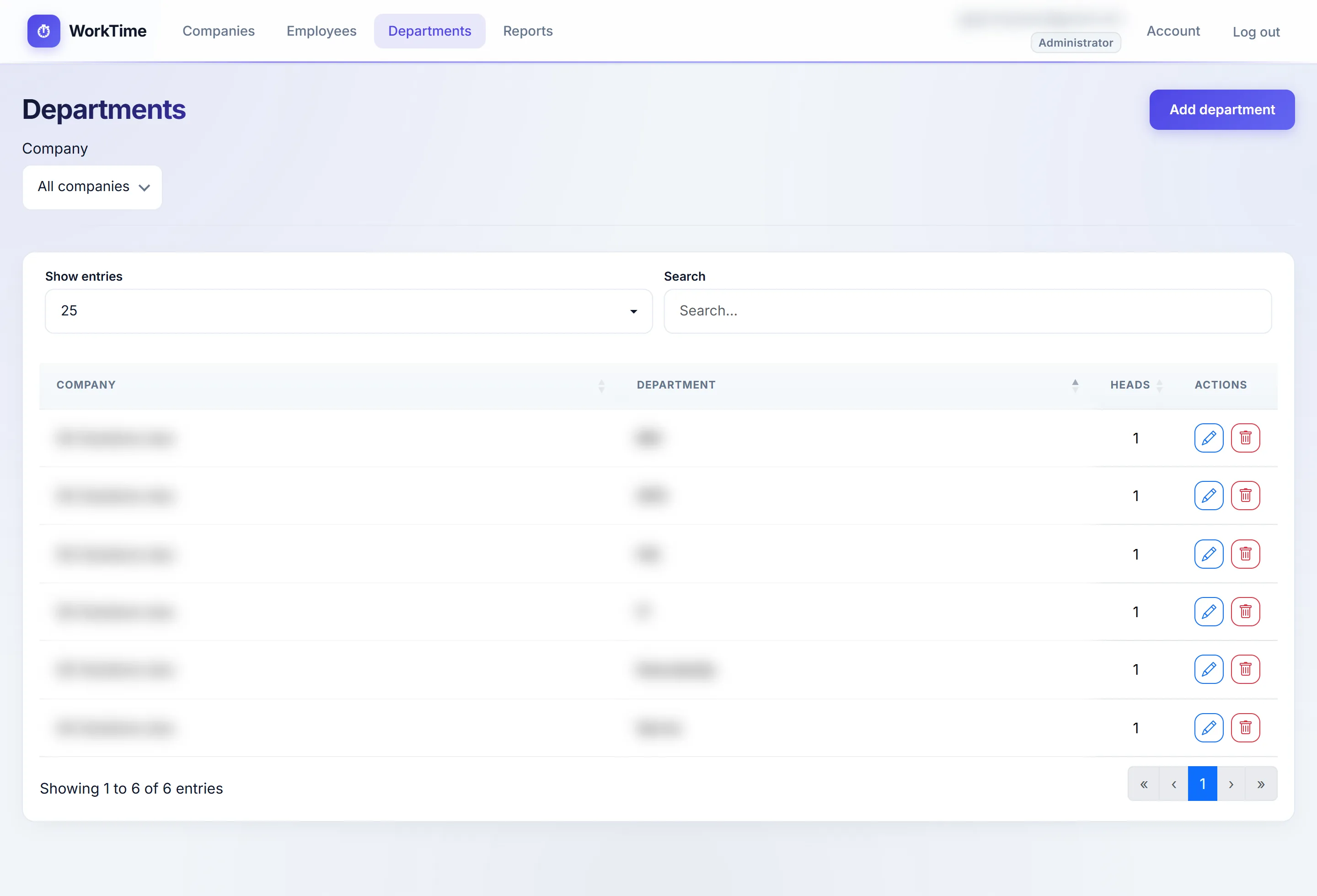
- All companies, departments and employees
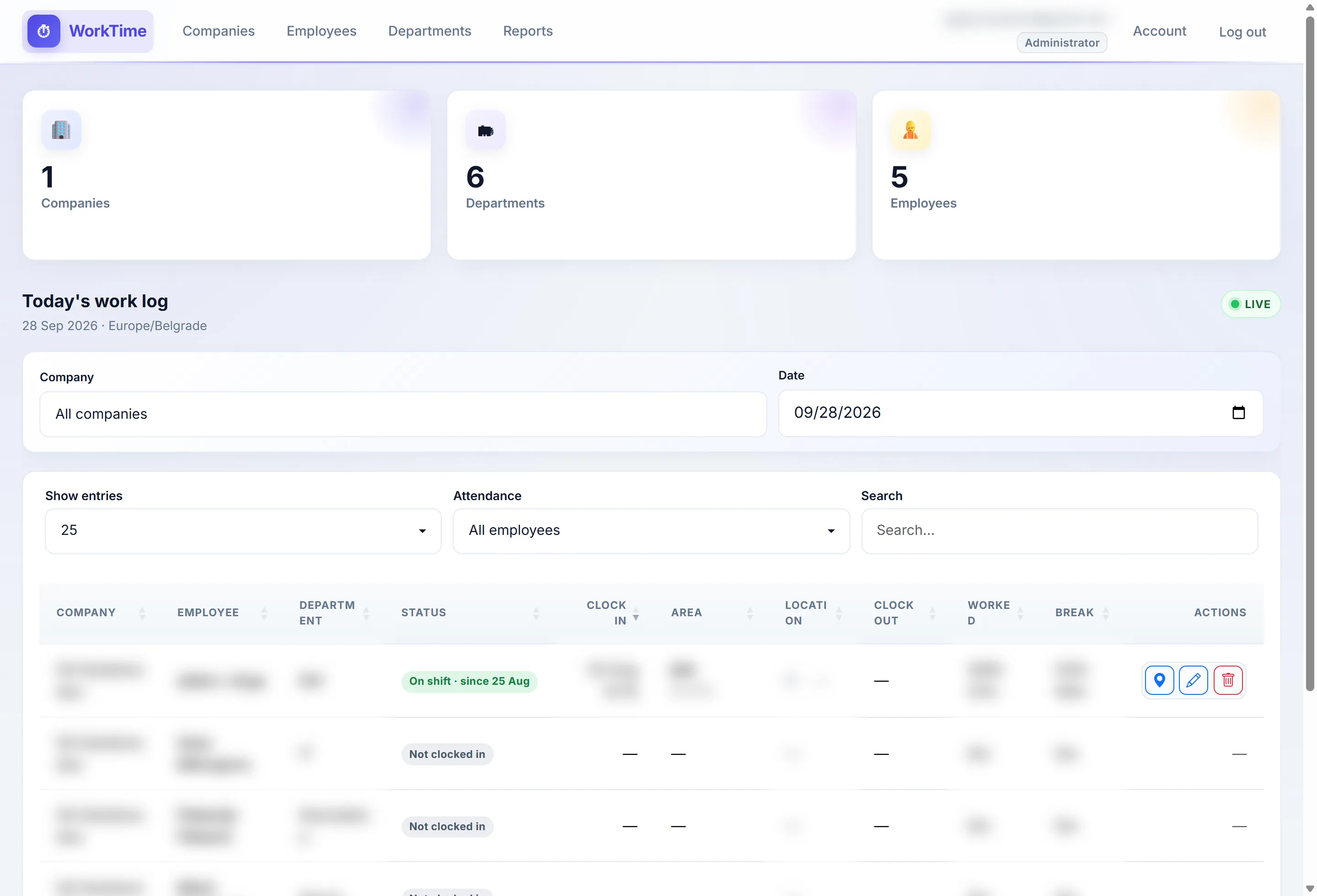
- Work log for all or per company
- Editing and deleting shifts

WorkTime · a GiT solutions project
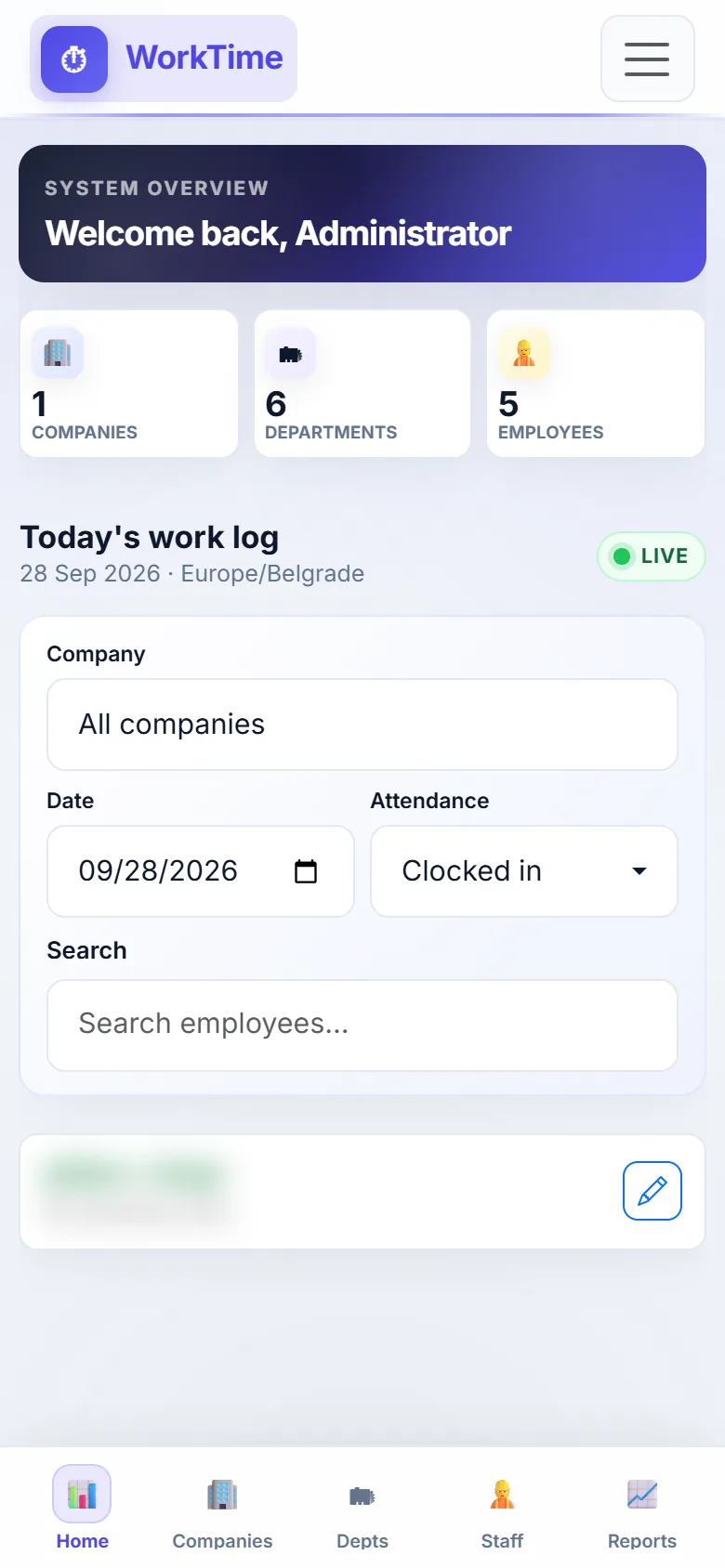
An employee clocks in from their phone, the system records the time and location and checks whether they are inside their department’s zone. Managers see live who is working, where and for how long, and payroll hours are one Excel export away.
GiT solutions owns the product. Backend2 is the development partner — we built the application: database, logic, admin and the phone view.
How it works
One button to start a shift, take a break or finish the day.
Every action records the location and checks whether the employee is inside the department’s zone.
The manager sees live who is working, and at the end of the month exports the hours to Excel.
Roles
Features
Architecture
One system, two views: a manager on a computer sees tables, the map and reports; an employee on a phone only clocks in, takes a break and clocks out.
As soon as someone clocks in or out, the work log updates on the manager’s screen — no page reload.
The zone is drawn on the map. Clocking in outside it is recorded, not blocked — the manager decides what to do.
No public sign-up. An administrator creates the account; the employee gets an email with a password link. A wrong password locks the account.
Screens are from production, with names and email blurred.
FAQ
Clocking in is not blocked — the location and the fact that the employee is outside the zone are recorded, so the manager can see it and decide. The tolerance is the phone’s GPS accuracy plus 50 m.
A department head can clock an employee in or close their shift for today. Shift times can be edited by the administrator, the company admin and the department head, and only the main administrator can delete a shift.
A shift stays open until clock-out and is split by calendar day in reports. There can be several breaks; they add up to the total break time.
No. There is no public sign-up — an administrator creates the account and the employee gets an email with a password link. Deactivating an account or a company blocks access immediately.
For a chosen period (up to 93 days) by company and department, exported to CSV and Excel. Hours are in H:MM format, ready for payroll.